Linux File Permission Management — Complete Lab Guide 2026
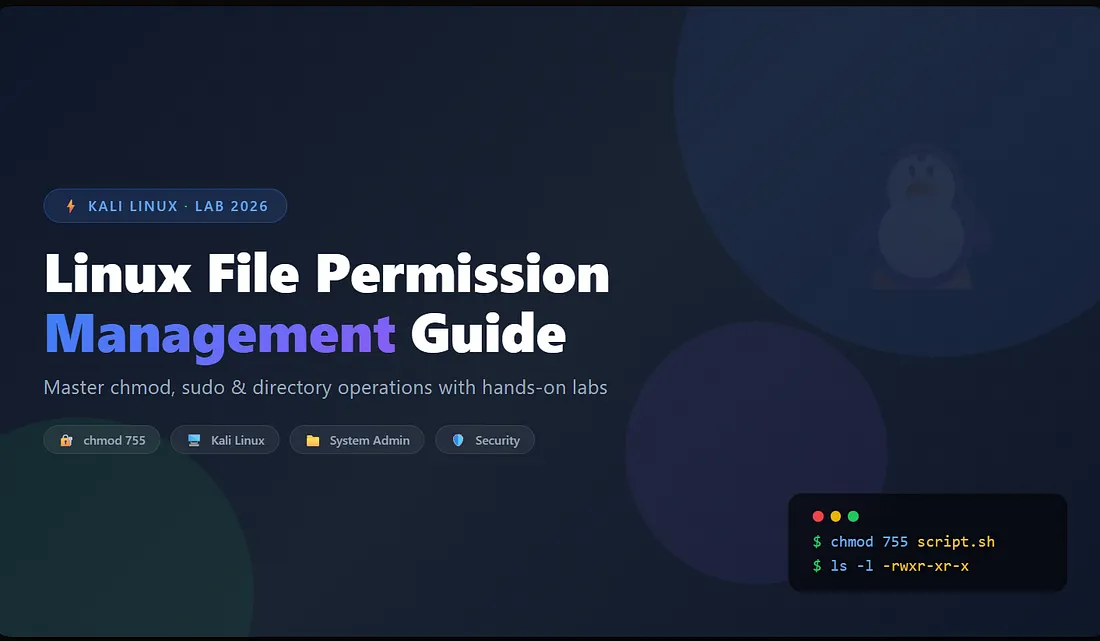
Table of Contents
- 1. Introduction to Linux File Permission Management
- 2. Why Linux File Permission Management Matters
- 3. Lab Setup and Environment
- 4. Core Linux System Operations
- 5. Linux File Permission Management — Deep Dive
- 6. Pros and Cons of Linux Command-Line Operations
- 7. Real-World Scenarios
- 8. Frequently Asked Questions (20+ FAQs)
- 9. Further Resources
1. Introduction to Linux File Permission Management
Linux file permission management is one of the most critical skills for system administrators, cybersecurity professionals, and DevOps engineers. Whether you are securing a production server, troubleshooting a CI/CD pipeline, or preparing for a certification like RHCSA or LPIC, understanding how to control access to files and directories is non-negotiable.
This comprehensive guide walks you through a hands-on lab conducted on Kali Linux inside VMware Workstation Player. You will learn how to navigate the file system, create and delete directories, use sudo for privilege escalation, and master chmod for precise file permission management.
Lab Environment: Windows Laptop · VMware Workstation Player · Kali Linux VM (NAT networking) · No external network exposure.
By the end of this guide, you will have a solid foundation in linux file permission management that you can immediately apply in real-world environments — from hardening web servers to securing cloud infrastructure.
Figure 1: Linux file permission management in action — using chmod 755 on a shell script
2. Why Linux File Permission Management Matters
In the Linux ecosystem, file permission management is the first line of defense against unauthorized access, privilege escalation, and data breaches. Unlike Windows, where permissions are often managed through graphical interfaces, Linux relies on a precise, command-driven model that gives administrators granular control over who can read, write, or execute files.
Consider these statistics:
- According to Verizon’s DBIR, over 80% of breaches involve some form of privilege misuse or permission misconfiguration.
- Misconfigured file permissions are among the top 10 OWASP vulnerabilities in web applications.
- Compliance frameworks like PCI-DSS, HIPAA, and ISO 27001 mandate strict access controls — which rely on proper linux file permission management.
A simple example: a production web server’s /var/www/html directory must be readable by the web server process but not writable by anonymous users. A misconfigured chmod 777 on a configuration file could expose database credentials or allow an attacker to upload malicious scripts. This is why mastering linux file permission management is essential for anyone serious about cybersecurity.
3. Lab Setup and Environment
Before diving into commands, let’s define the lab environment. All operations were performed in an isolated virtualized environment to ensure safety and reproducibility.
- Host Machine: Windows Laptop with 16 GB RAM, 4-core CPU
- Virtualization: VMware Workstation 17 Player (non-commercial use)
- Attacker VM: Kali Linux 2026.1 (minimal installation)
- Network Type: NAT (VMnet8) — both VMs share the same subnet
- Kali IP: 192.168.110.133
This setup mimics a typical internal network scenario, where a Linux system is used for administration and security testing.
4. Core Linux System Operations
4.1 Accessing the Kali Linux Terminal
The journey begins with opening the terminal — the gateway to the Linux kernel. Unlike Windows CMD or PowerShell, the Linux terminal (Bash/Zsh) provides a rich set of utilities for file manipulation, process management, and system monitoring.
kali@kali:~$ pwd
/home/kali
4.2 Creating a Directory with mkdir
Directory creation is one of the most frequent operations in Linux. We executed mkdir test-directory to create a new folder. This command is essential for organizing files, separating projects, and preparing environments for software installation.
kali@kali:~$ mkdir test-directory
kali@kali:~$ ls
test-directory
4.3 Removing a Directory with rm -r
Deleting directories requires caution. The rm command removes files, and the -r (recursive) flag deletes directories and their contents.
kali@kali:~$ rm -r test-directory
kali@kali:~$ ls
(empty)
Security warning: rm -rf / is a notorious command that recursively deletes the entire file system. Always double-check your paths. In production environments, consider using rm -i for interactive confirmation.
4.4 Using sudo for Elevated Privileges
Many system-level operations require administrative privileges. The sudo command temporarily elevates a user’s permissions, provided they are listed in /etc/sudoers.
kali@kali:~$ sudo apt update
[sudo] password for kali:
Best practices for sudo include:
- Using
visudoto safely edit the/etc/sudoersfile. - Restricting
sudoaccess to specific commands. - Enabling session timeouts to minimize the window of elevated access.
5. Linux File Permission Management — Deep Dive
This is the heart of our guide. Linux file permission management revolves around three key concepts: owners, permissions, and octal notation.
5.1 Understanding File Ownership
Every file in Linux has three ownership levels:
- User (u): The owner of the file.
- Group (g): Users who are members of the file’s group.
- Others (o): Everyone else.
5.2 The Three Permission Types
- Read (r): View the contents of a file or list a directory.
- Write (w): Modify the contents of a file or create/delete files in a directory.
- Execute (x): Run a file as a program or enter a directory.
5.3 Using chmod for Linux File Permission Management
The chmod (change mode) command modifies permissions. We used chmod 755 script.sh to set:
- Owner (7): Read (4) + Write (2) + Execute (1) = Full control.
- Group (5): Read (4) + Execute (1) = Can read and execute, but not modify.
- Others (5): Same as group.
kali@kali:~$ chmod 755 script.sh
kali@kali:~$ ls -l script.sh
-rwxr-xr-x 1 kali kali 27 Apr 16 07:37 script.sh
5.4 Verifying Permissions
After setting permissions, verify them with ls -l. The output -rwxr-xr-x confirms that the owner has read, write, execute (rwx), and group/others have read and execute (r-x).
5.5 Executing the Script
kali@kali:~$ ./script.sh
Hello from Kali Linux
This demonstrates that the script is executable (thanks to chmod) and that the user has appropriate permissions to run it.
Figure 2: Linux file permission management — verifying permissions with ls -l
6. Pros and Cons of Linux Command-Line Operations
Advantages
- Unmatched Precision: Direct control over every file, process, and system setting.
- Automation Ready: Command-line operations can be scripted for consistency.
- Lightweight: No GUI overhead, ideal for servers and embedded systems.
- Remote Management: SSH access allows secure administration from anywhere.
- Granular Security: Fine-tuned permissions at user, group, and world levels.
Disadvantages
- Steep Learning Curve: Requires memorizing commands and syntax.
- High Risk of Errors: A single typo can be catastrophic.
- No Visual Feedback: Less intuitive than GUI file managers.
- Case Sensitivity:
File.txtvsfile.txt— a common source of confusion. - No Undo: Many operations (e.g.,
rm) are irreversible.
7. Real-World Scenarios
Scenario 1: Web Server Hardening
An Apache web server runs on Linux. The document root is /var/www/html. The web server process (usually www-data) needs read access to serve files, but it should never have write access to prevent defacement or malware uploads.
Solution: Set permissions to 755 for directories (chmod 755 /var/www/html) and 644 for files (chmod 644 /var/www/html/*.html). Ownership should be root:www-data.
Scenario 2: CI/CD Pipeline
In a DevOps environment, a build agent needs to execute deployment scripts. If the script lacks execute permissions, the pipeline fails.
Solution: Add chmod +x deploy.sh to the pipeline script. Ensure the script is not writable by non-root users to prevent tampering.
Scenario 3: Log File Rotation
Log files in /var/log are rotated and compressed automatically. If the rotation script lacks write permissions, logs will overflow.
Solution: Set appropriate permissions (755 on directories, 644 on files) and ensure the logrotate daemon runs with sufficient privileges.
8. Frequently Asked Questions (20+ FAQs)
What is Linux file permission management?
Answer: Linux file permission management is the process of controlling who can read, write, or execute files and directories using commands like chmod, chown, and chgrp. It is a core security function in Linux systems.
What doeschmod 755mean?
Answer: 755 sets permissions as: Owner = 7 (rwx), Group = 5 (r-x), Others = 5 (r-x). The owner can read, write, and execute; group and others can read and execute but not modify.
What is the difference betweensudoandsu?
Answer: sudo executes a single command with root privileges while preserving the user’s environment. su switches the session to another user (usually root).
How do I create a directory in Linux?
Answer: Use mkdir directory_name. To create nested directories, use mkdir -p parent/child.
How do I delete a non-empty directory?
Answer: Use rm -r directory_name. Add -f for forceful deletion, but be extremely cautious.
What doesls -ldisplay?
Answer: ls -l displays file permissions, number of links, owner, group, file size, modification date, and file name.
How do I make a script executable?
Answer: Use chmod +x script.sh or chmod 755 script.sh.
What is the root user in Linux?
Answer: The root user (UID 0) is the superuser with unrestricted access to all files, commands, and system resources.
What is the/homedirectory?
Answer: The /home directory contains personal directories for each user. For example, /home/kali is the home directory for user kali.
How do I navigate to the previous directory?
Answer: Use cd - to return to the previous directory.
What do.and..represent?
Answer: . is the current directory; .. is the parent directory.
What is the difference betweenrmandrmdir?
Answer: rm removes files and directories (with -r). rmdir removes only empty directories.
How do I check my current working directory?
Answer: Use pwd (print working directory).
How do I change file ownership?
Answer: Use chown user filename to change owner, and chgrp group filename to change group. To change both: chown user:group filename.
What is the/etcdirectory?
Answer: The /etc directory contains system-wide configuration files, including network settings, user authentication, and service configurations.
How do I view file contents?
Answer: Use cat for the entire file, less or more for paginated viewing, head for the first few lines, and tail for the last few lines.
What doessudo apt updatedo?
Answer: sudo apt update refreshes the package index from repositories. It does not install or upgrade packages — it updates the list of available packages.
What is the difference between hard and symbolic links?
Answer: A hard link points directly to the same inode as the original file. A symbolic (soft) link points to the path of the original file and can cross filesystems.
How do I get help for a Linux command?
Answer: Use man command for detailed manual pages, or command --help for a quick overview.
What is the principle of least privilege?
Answer: It is the security practice of granting only the minimum permissions necessary for a task. In Linux file permission management, this means using chmod 755 instead of 777 for executables.
How do I apply permissions recursively?
Answer: Use chmod -R 755 directory_name to recursively apply permissions to all files and subdirectories.
9. Further Resources
Deepen your understanding of Linux system operations, identity management, and security with these curated resources.
Internal Resources
Authentication Policies in Okta
PowerShell Network Troubleshooting
External Resources
https://cloudknowledgein.blogspot.com/
https://medium.com/@cloudknowledge/network-reconnaissance-guide-nmap-lab-port-scanning-26-b9dfd8dbc676
https://medium.com/@cloudknowledge/har-analysis-guide-how-to-analyse-browser-network-logs-2026-da45a89ef019
https://www.tumblr.com/cloud-knowledge/822040294564446208/prepping-for-an-okta-or-iam-interview-here-is?source=share
https://www.tumblr.com/cloud-knowledge/821565123423551488/entra-id-provisioning-the-ultimate-guide-to?source=share
https://cloudknowledgein.blogspot.com/2026/07/how-to-analyse-har-browser-network.html
https://cloudknowledgein.blogspot.com/2026/07/network-reconnaissance.html


Comments
Post a Comment